Customer events
Automatic capture when creating, editing and deleting customers
Integrate your WooCommerce data into your CRM or ERP system
Overview of all features of the WooCommerce Schnittstelle
Automatic capture when creating, editing and deleting customers
Complete tracking of all order changes and status updates
Capture of product creation, editing and stock changes
Immediate transfer of all events to your systems
Encrypted transfer and compliant data processing
Optimized for high data volume without performance loss
XML, JSON or Webhook - choose the appropriate format
Plug & Play: Installation in a few minutes
Install the plugin in your WordPress instance - in a few minutes
Choose between XML, JSON or Webhook-Integration
Connect your CRM or ERP system via Webhook or file export
All events are automatically captured and transferred to your system
Overview of the integrations of the WooCommerce Schnittstelle
Structured XML files for classic ERP systems
Modern JSON format for REST APIs and modern systems
Real-time transfer to your systems
Individual adjustments for your specific requirements
Discover the intuitive user interface and powerful features
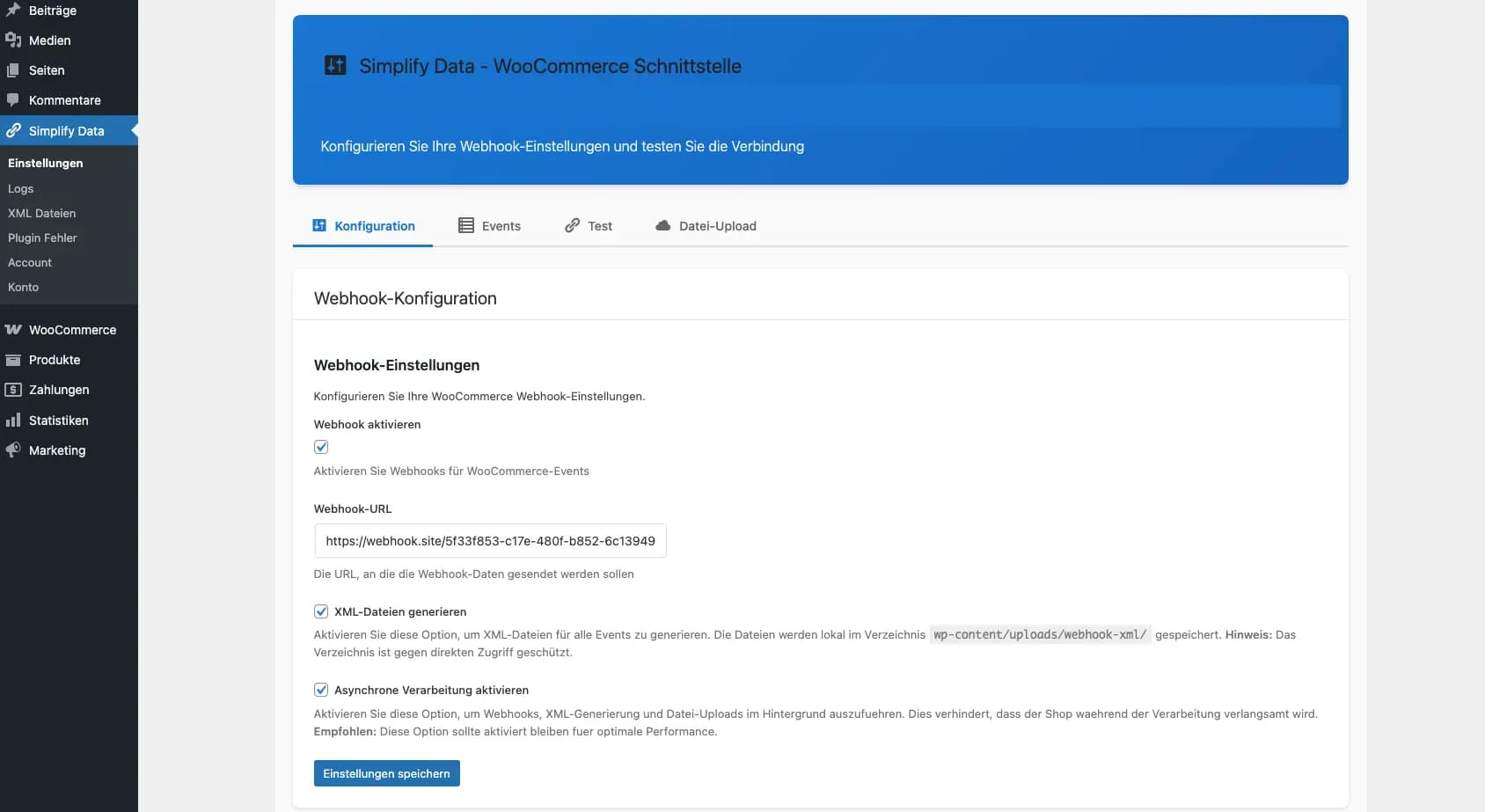
Clear configuration page with all important settings
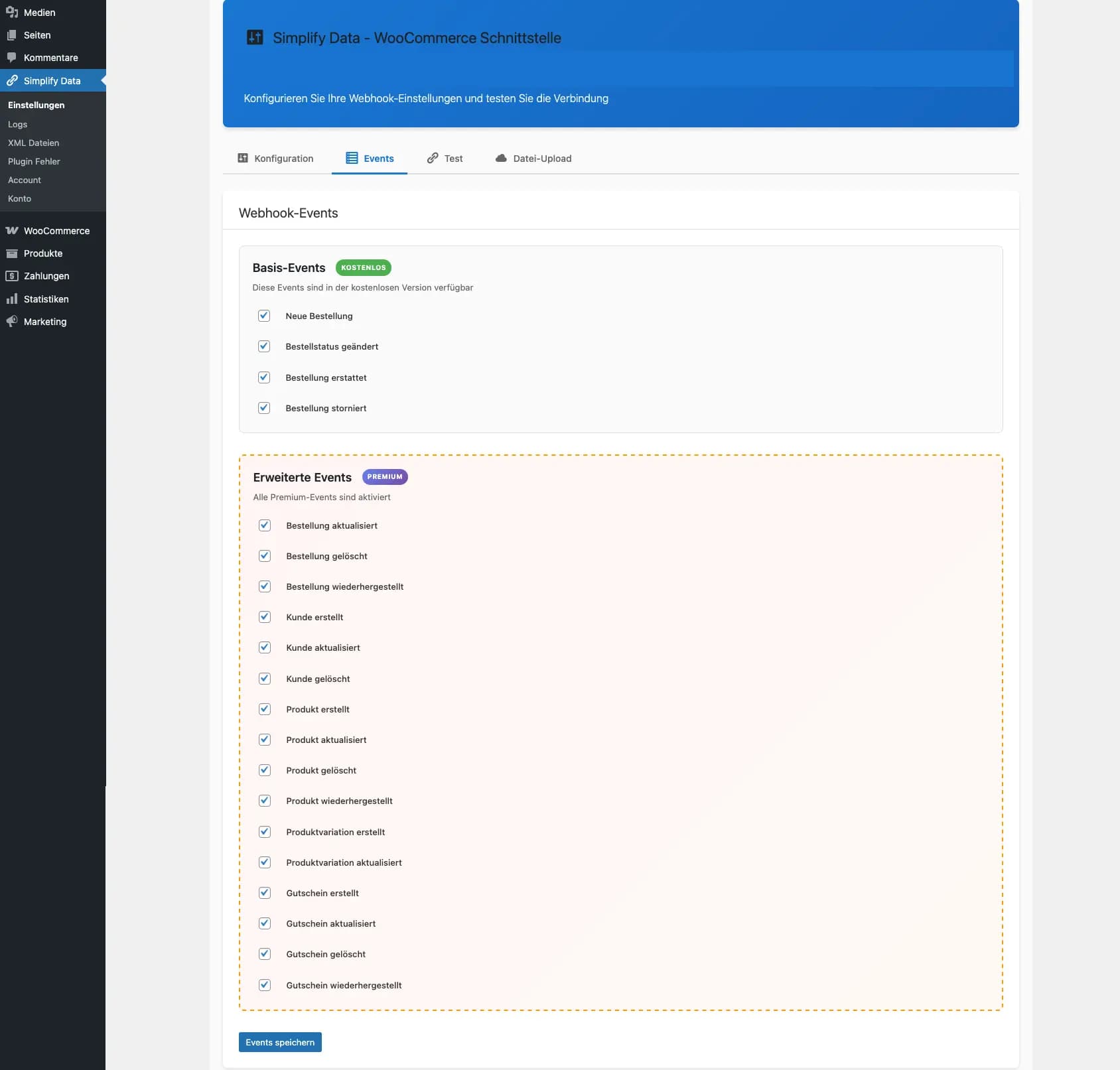
Select which WooCommerce events should be captured
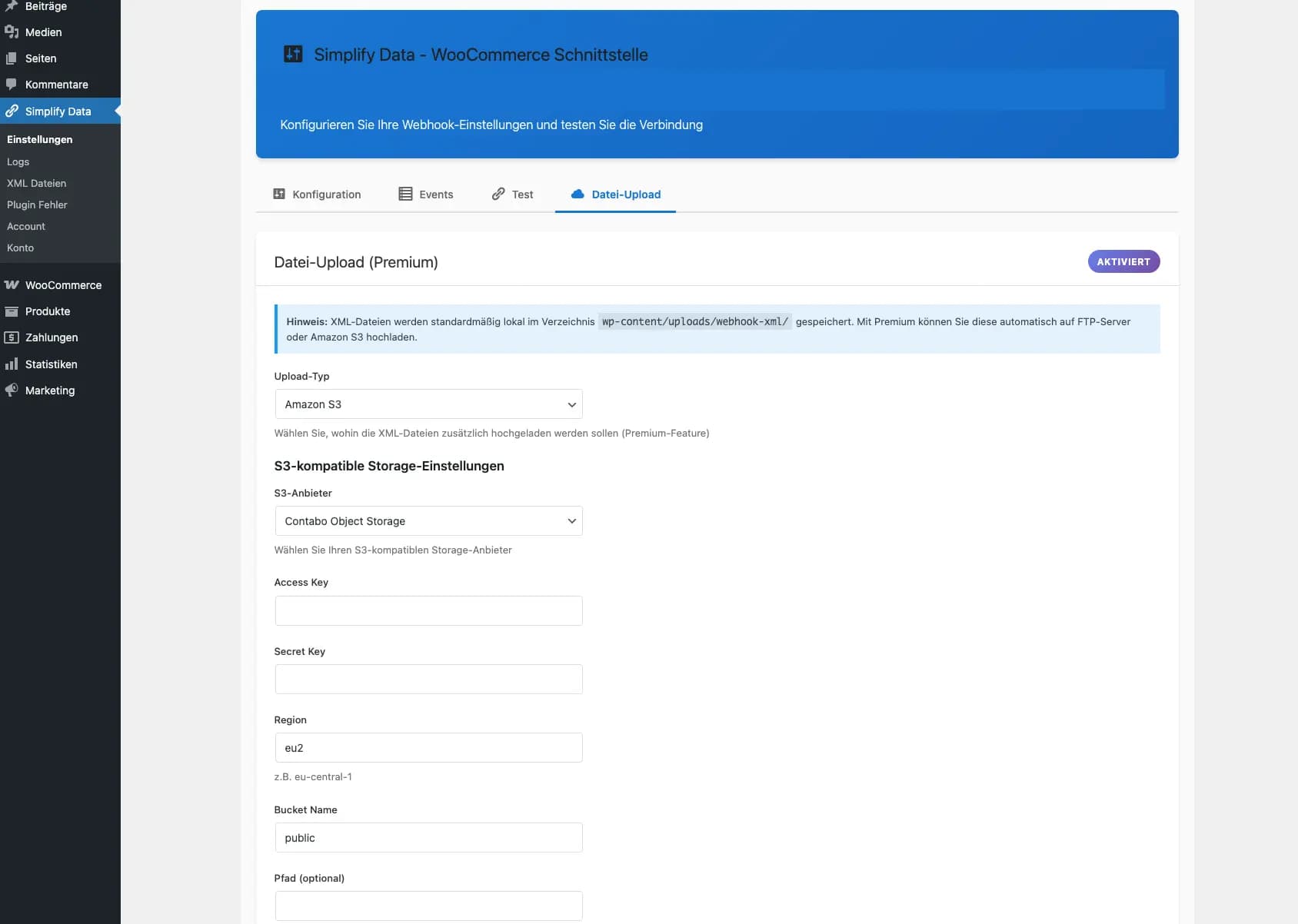
Settings for FTP, S3 and other upload destinations
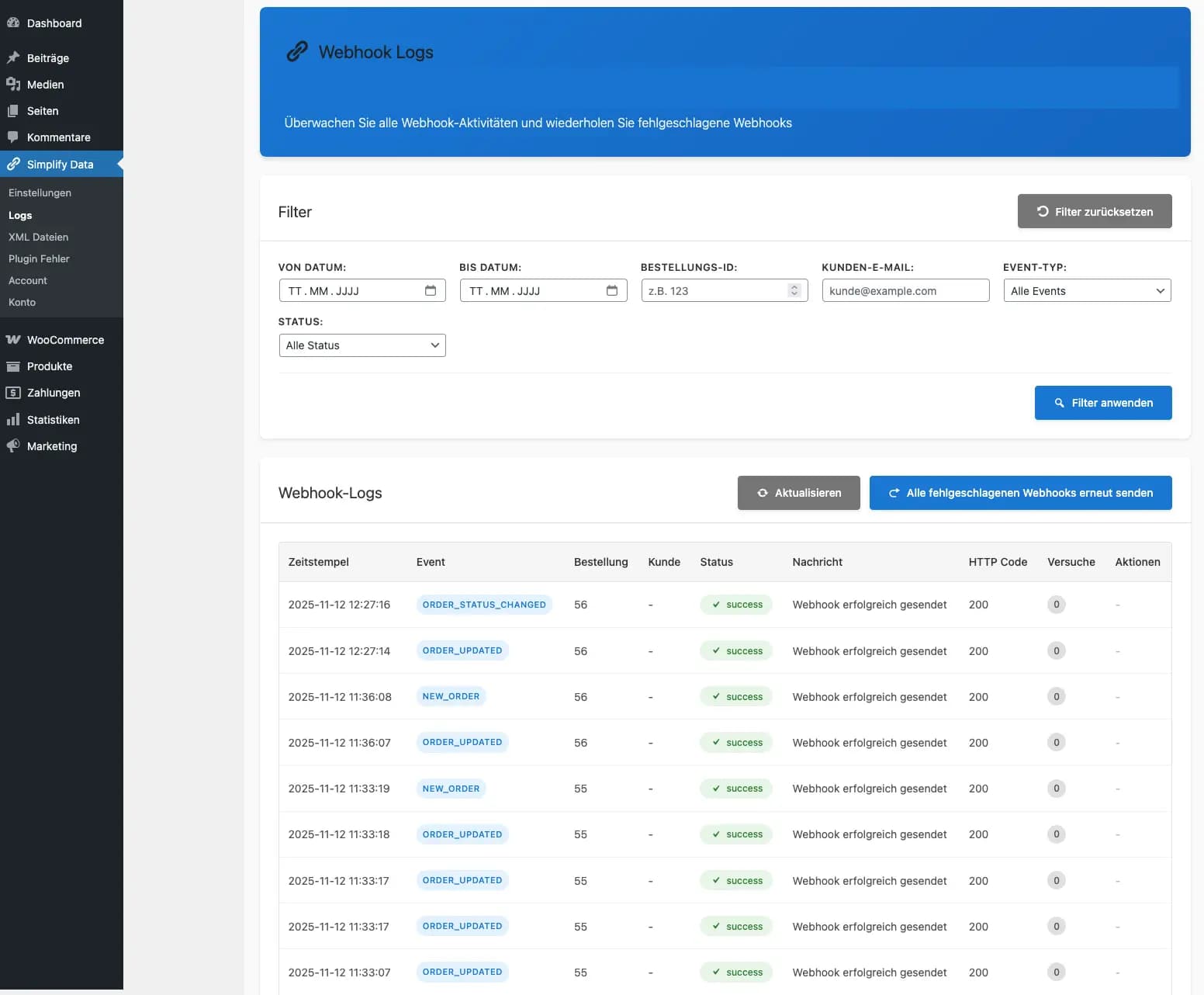
Overview of all sent webhooks with status and details
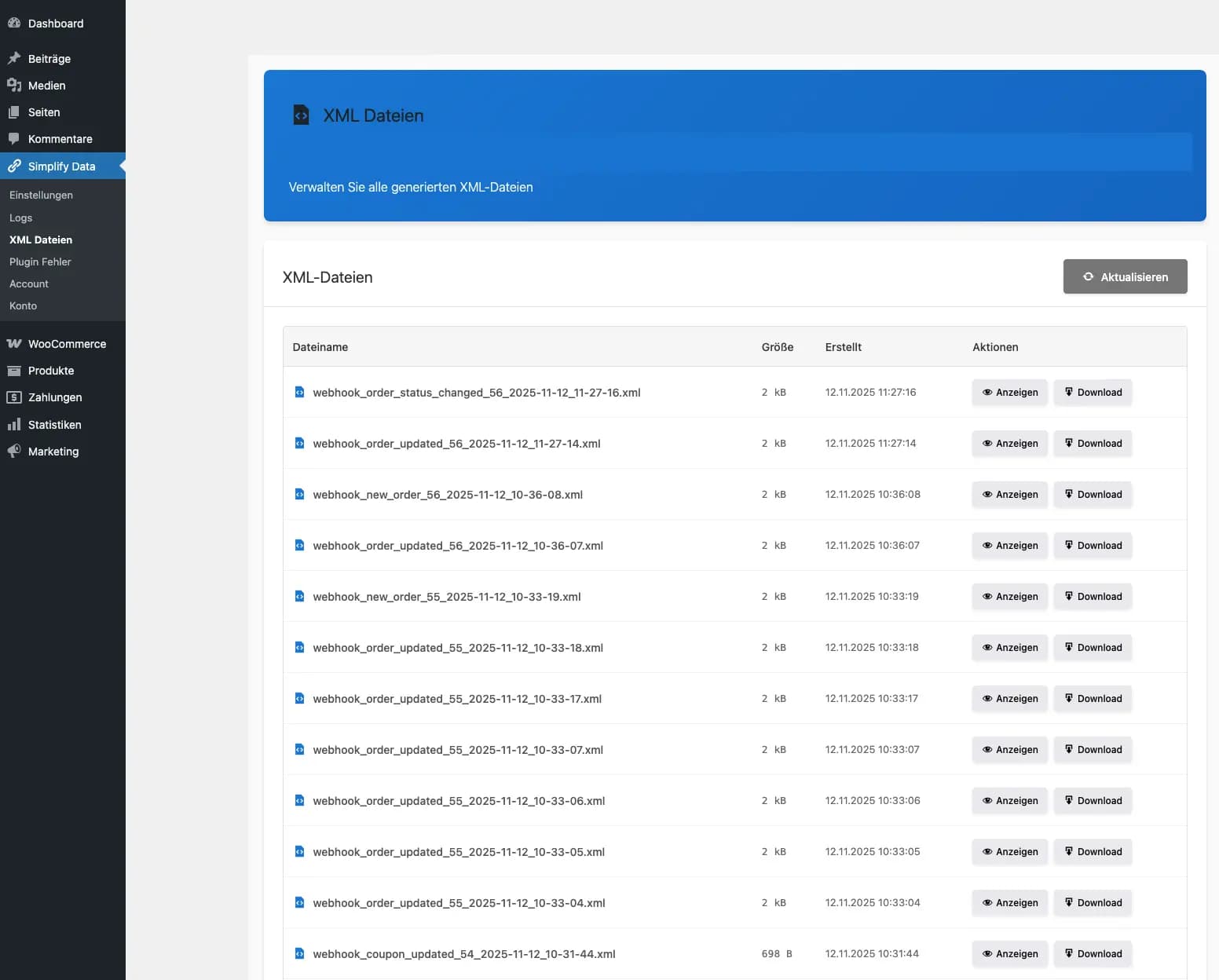
Generated XML exports with structured data
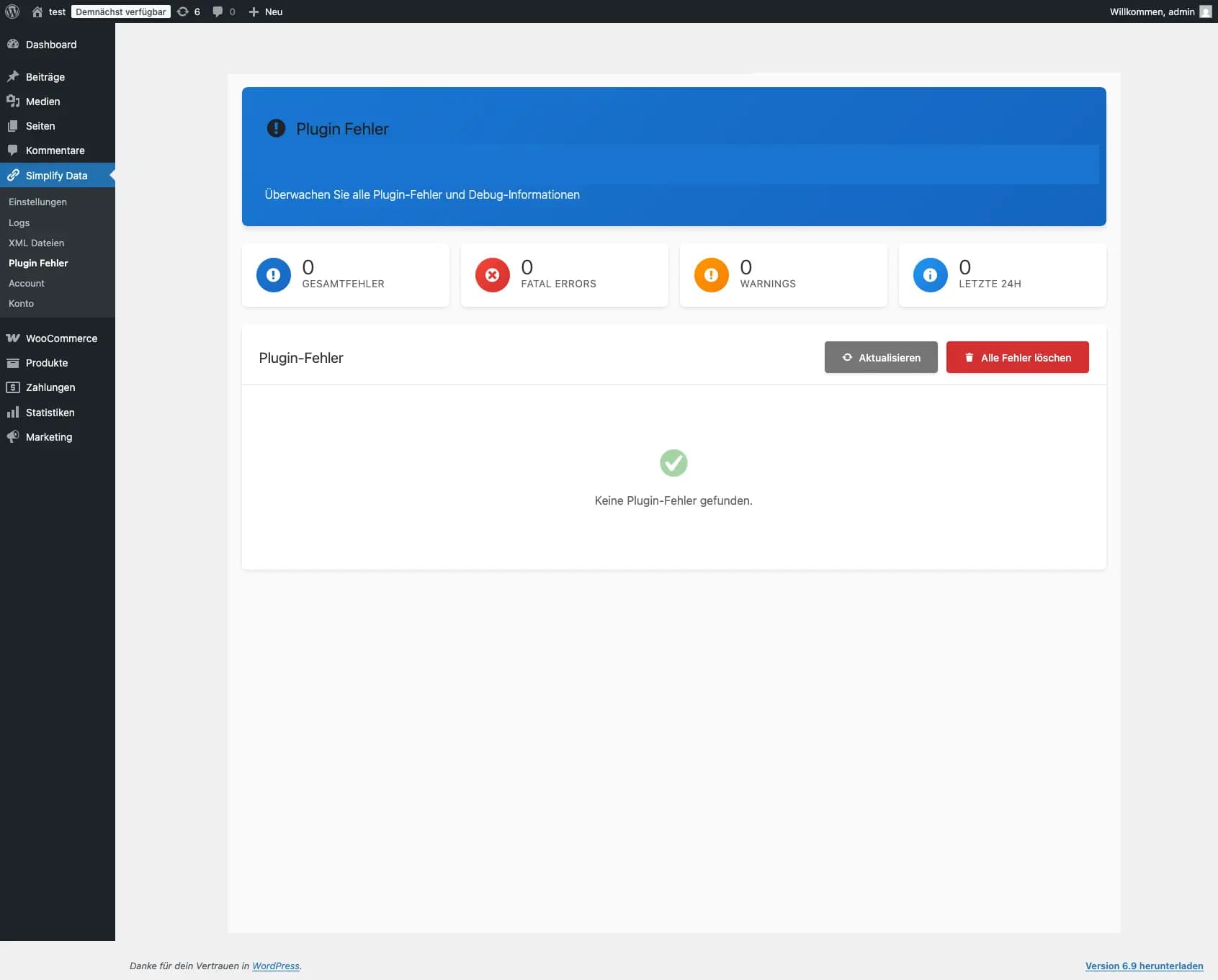
Detailed error page for easy troubleshooting
Overview of the prices of the WooCommerce Schnittstelle
Installation in every WordPress instance. Monthly cancellable.
The WooCommerce Plugin captures all events from your WooCommerce store and transfers them to your system.
The installation usually takes a few minutes.
You can cancel the WooCommerce Plugin at any time. The cancellation is done online via your customer account.
All data transfers are encrypted (HTTPS/TLS). The data processing is GDPR-compliant.
No, there are no limits. The plugin can process and transfer unlimited events.
With Webhook integration, the transfer is done in real time. With file exports, the file is automatically created and transferred to your system (FTP, S3, etc.).


