Scan limit
From scan N onward switch to sold-out or fallback URL.
QRFlow is our SaaS platform for marketing, events and trade shows: create QR codes online, update destinations anytime, analyze scans with GeoIP and device data, and deploy digital forms, surveys and business cards via QR – including REST API, signed webhooks and CSV, Excel or PDF export.
URL, vCard, Wi‑Fi, logo & colors – with live preview.
Campaign and location insights from scan data.
Integrate with CRM, ERP and custom workflows.
7 days Premium
Full feature set to explore – start without risk.
QRFlow connects printed media to measurable digital experiences: a dynamic QR code points to a fixed short URL – you change the destination in the dashboard without reprinting flyers, posters or packaging. Every scan is logged; campaigns can be paused, targets steered with smart rules and results forwarded to CRM or automation tools.
Beyond URL QR codes, QRFlow supports vCard and Wi‑Fi (static), forms with 14 field types, multi-step surveys with wizard flow, digital business cards and barcode formats. Try the interface on qr-flow.eu without signing up in the demo generators, then use seven days of Premium for the full feature set.
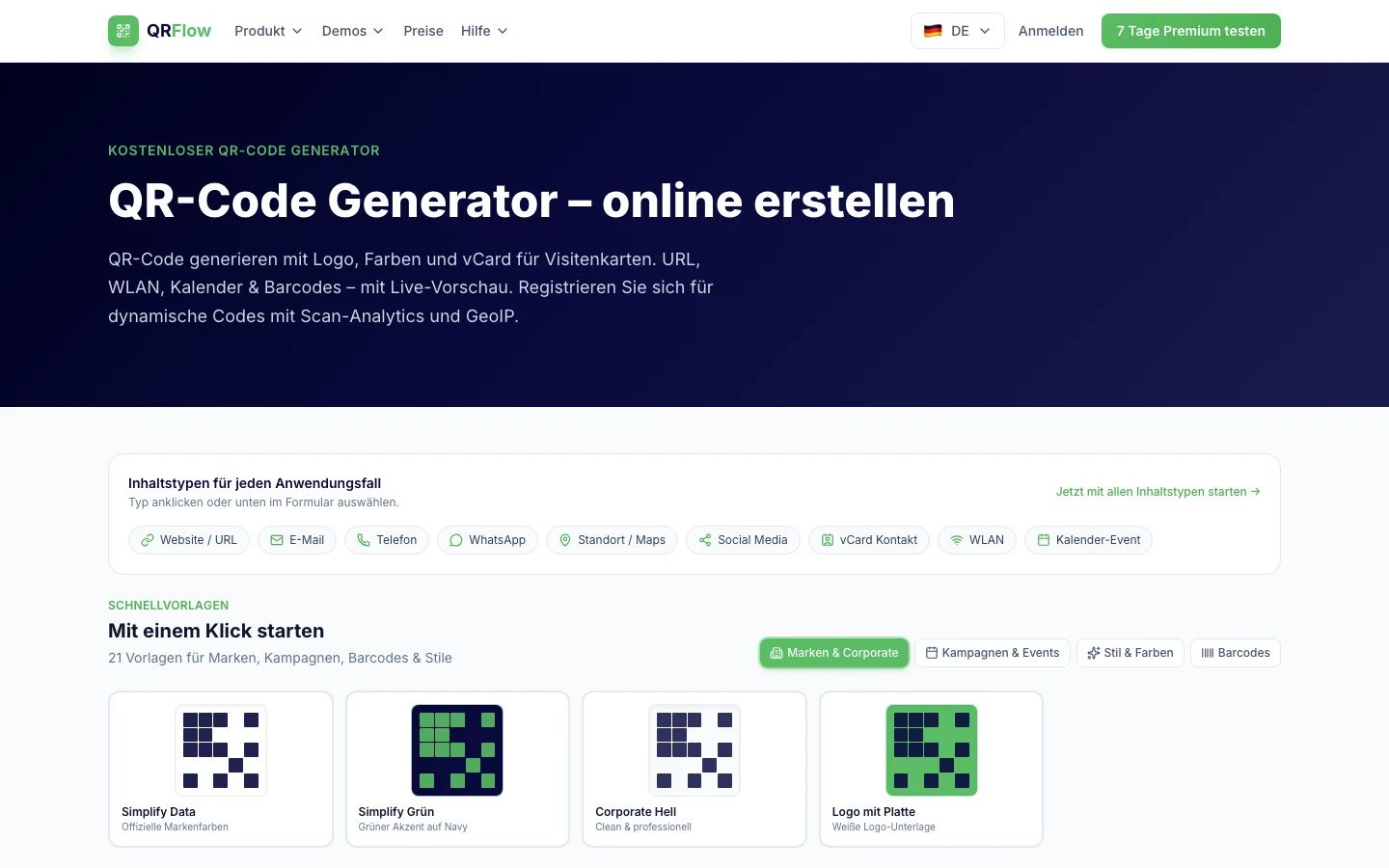
Captures from the live app at qr-flow.eu – generator, form and survey demos plus API documentation.
In the form editor you pick templates, adjust fields and see a live preview – from contact forms and event sign-ups to SEPA and digital signature. Published forms are reachable via QR; responses land in the dashboard and can flow through webhooks or export.
Open form demo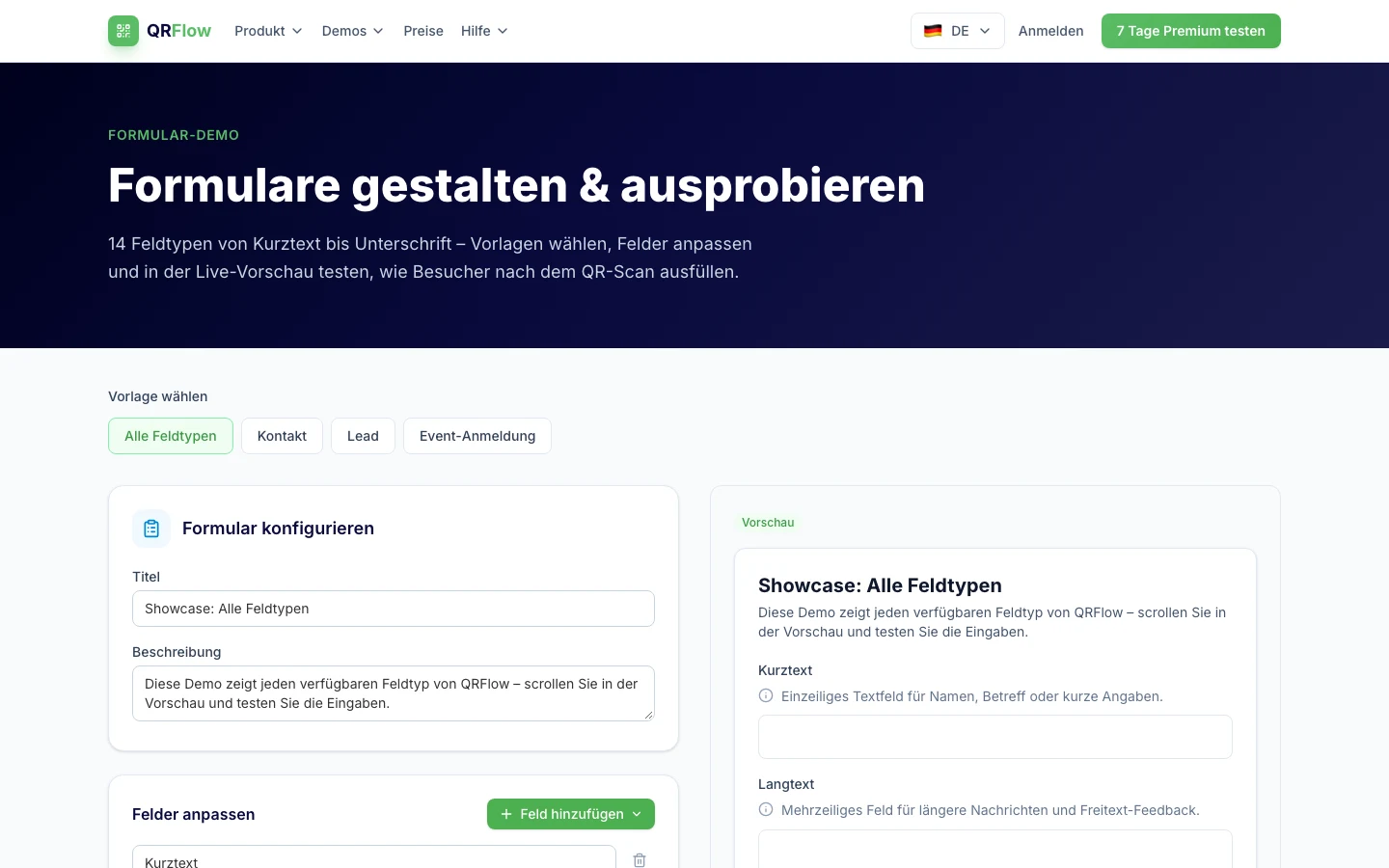
Structure multi-step surveys in wizard sections – ideal for NPS, event feedback or visitor surveys. Combine ratings, choice questions and free text; in Premium you analyze sentiment and link surveys to campaigns.
Open survey demo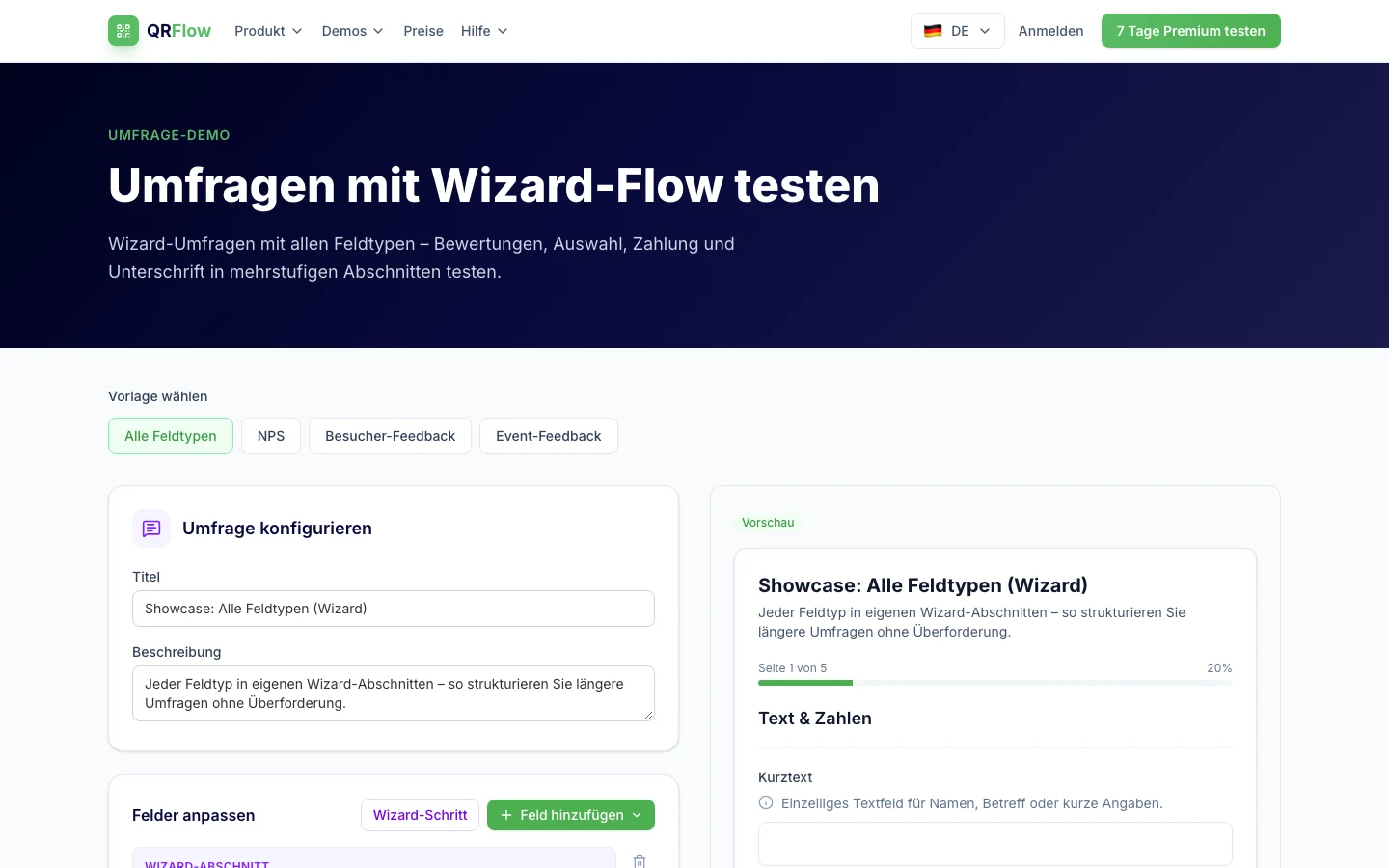
The QR codes product page explains static vs dynamic codes, supported payload types (URL, email, WhatsApp, social, location and more) and Premium features such as smart redirect rules, UTM parameters and campaign management.
View QR features on qr-flow.eu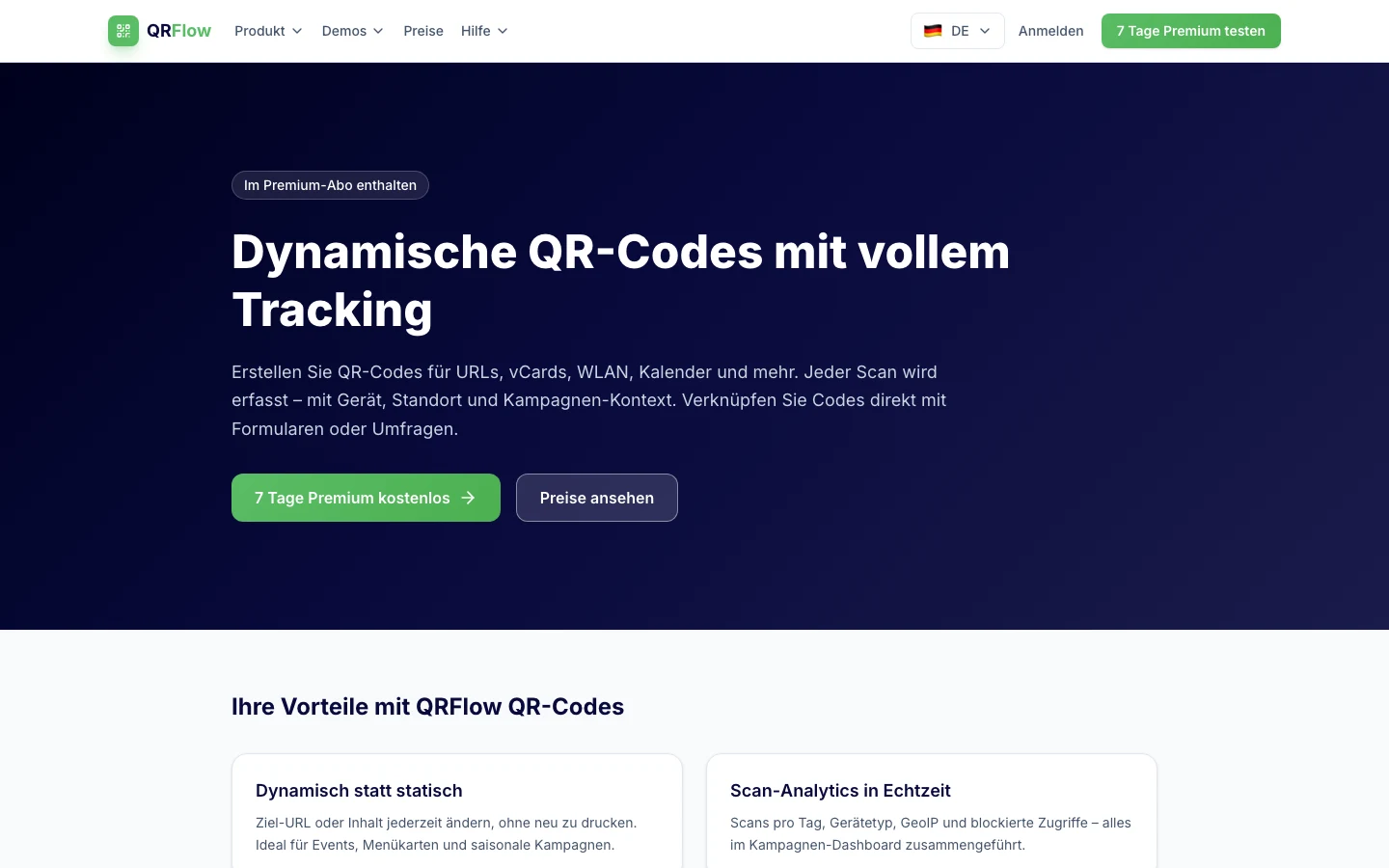
The API docs describe endpoints to create QR codes, fetch analytics and receive events. Webhooks are HMAC-signed – suitable for n8n, Make or custom backends. Bulk import and automation templates help technical teams get started quickly.
Read API documentation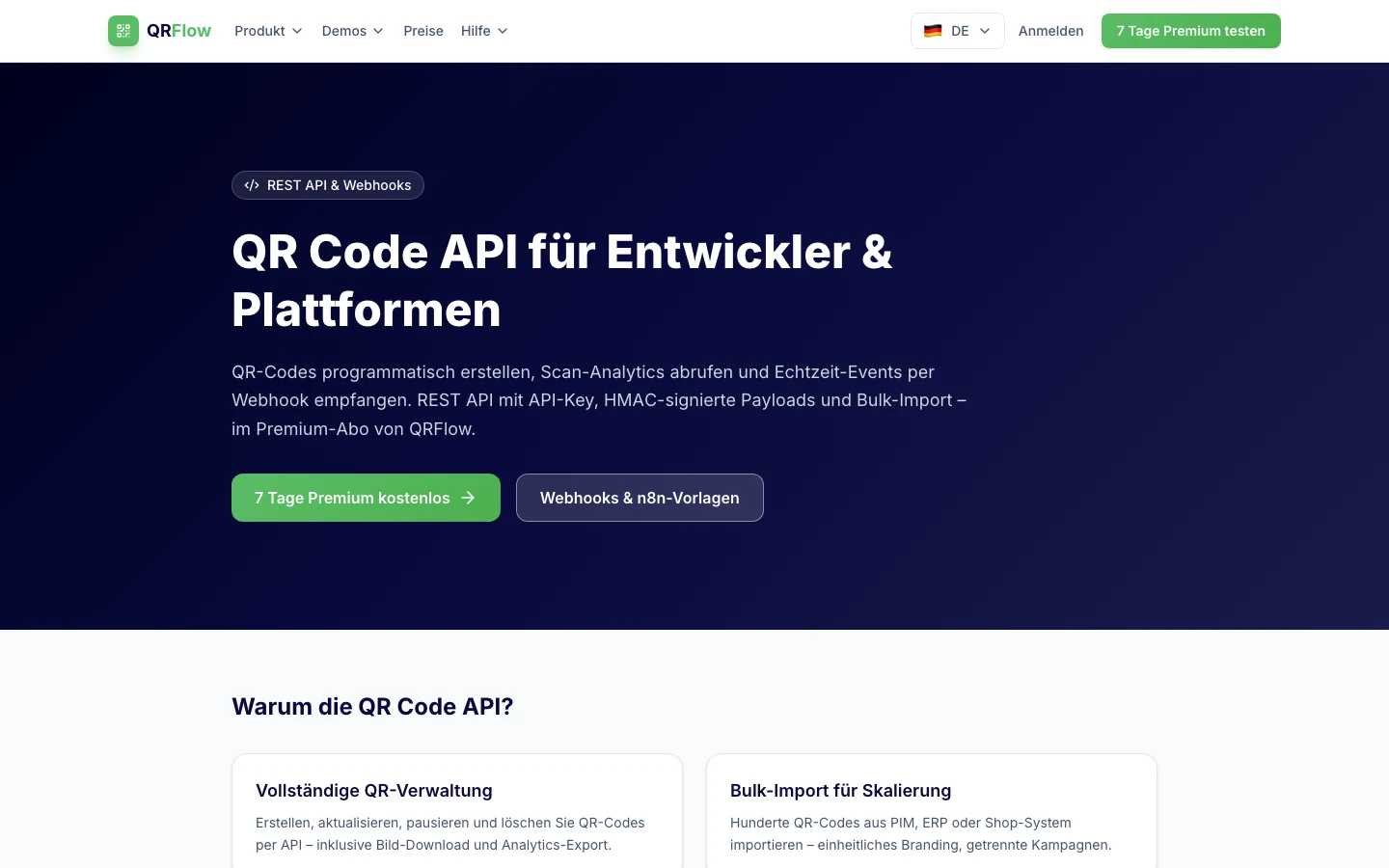
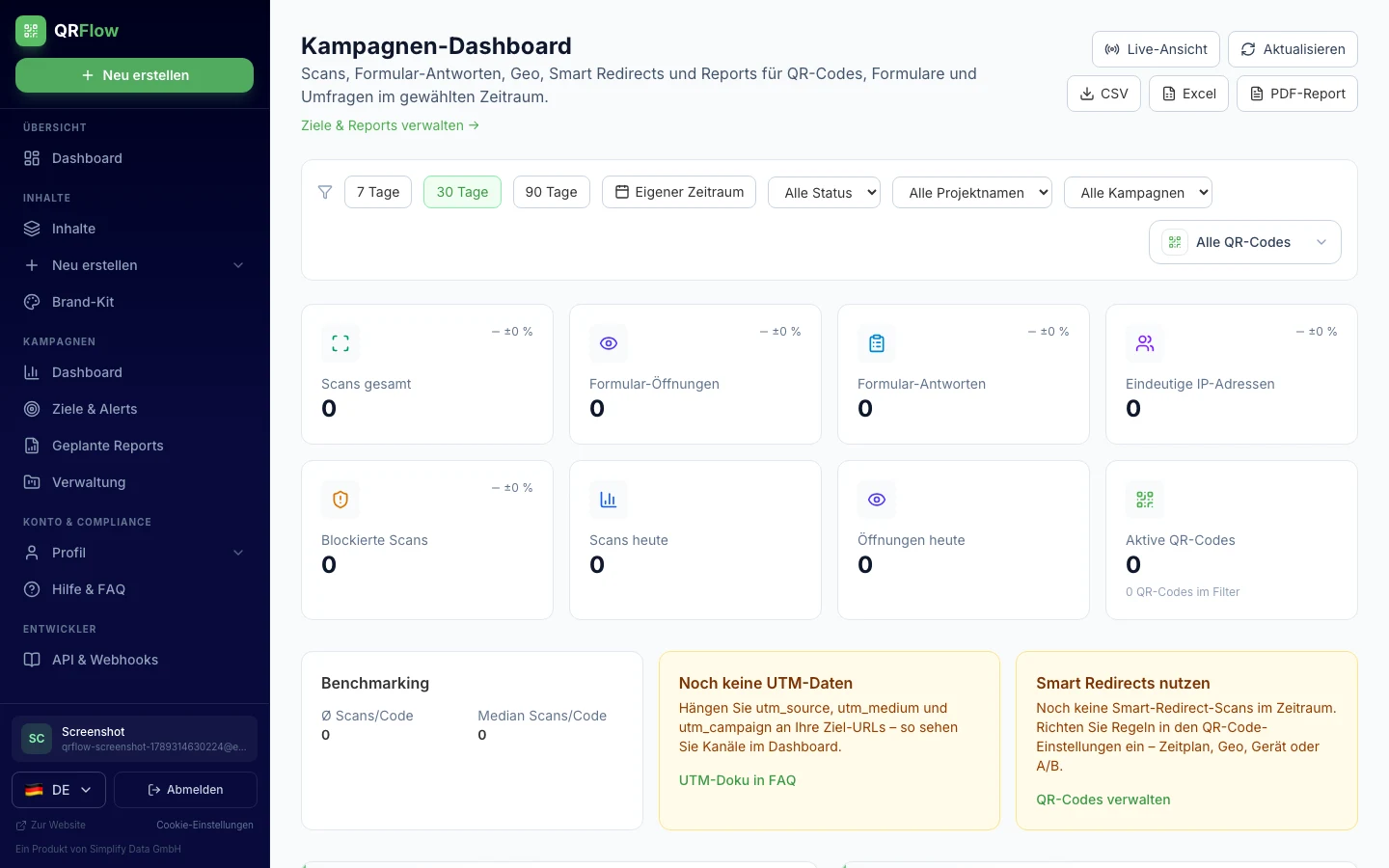
In QRFlow’s campaign dashboard, marketing and event teams see all QR codes, URL redirects, form and survey events in one time range – 7, 30 or 90 days or a custom date window. KPIs, trend charts, device breakdown and UTM sources show which touchpoints perform.
An interactive map and heatmap visualize scan locations (GeoIP). Live mode refreshes automatically; CSV, Excel or PDF exports feed reporting and alignment with other departments. Filters by QR code, campaign, status or event type enable drill-down to individual activity.
One short link or QR code – many rule types in one pipeline. Every scan is logged: which rule matched and where the visitor was sent.
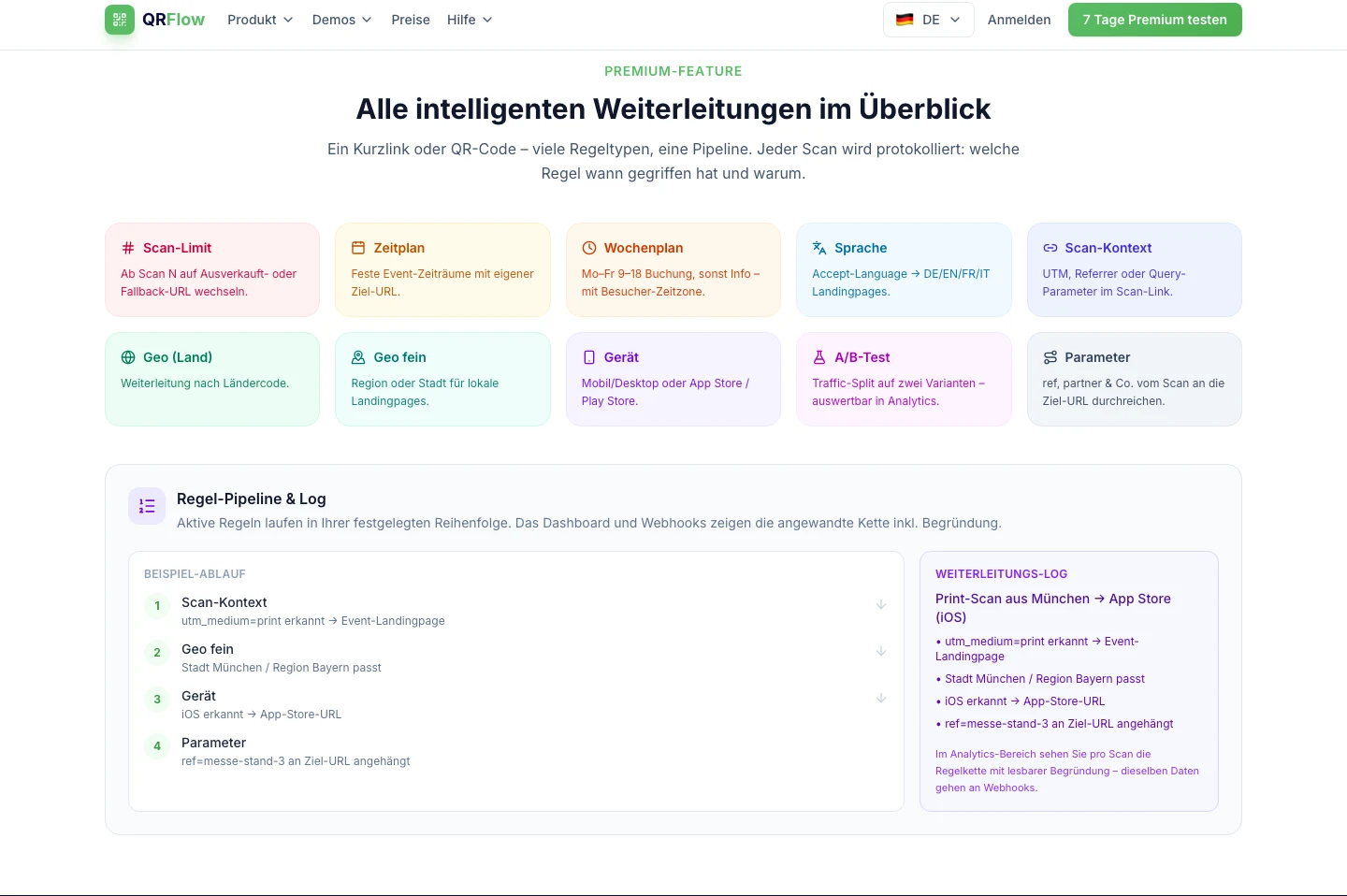
From Premium onward you define rules per QR code or URL redirect in a fixed order. The system evaluates scan context – device, language, GeoIP, UTM parameters, time windows or scan count – and sends visitors to the right destination URL.
Analytics and the campaign dashboard show the applied rule chain with a readable reason. The same data can be sent via webhooks to CRM, n8n or custom backends – ideal for A/B tests, local landing pages or app store deep links.
Rules run in sequence; the first matching decision sets the redirect (plus optional parameter passthrough).
From scan N onward switch to sold-out or fallback URL.
Fixed event windows with their own destination URL.
Mon–Fri business hours vs. weekend – optional visitor timezone.
Accept-Language → matching DE/EN/FR/IT landing page.
Evaluate UTM, referrer or query params on the scan link.
Redirect by country code (GeoIP).
Region or city for local offers.
Mobile/desktop or App Store / Play Store.
Split traffic across two variants – measurable in analytics.
Pass ref, partner etc. from the scan to the destination URL.
From QR creation to analytics – one platform, hosted in Germany.
Change destination URLs in the dashboard while the printed code stays the same.
Colors, logo and error correction for on-brand QR codes.
Deploy digital forms and surveys via QR and evaluate responses.
GeoIP, device type, browser and timelines for your campaigns.
Send scan events and form submissions to your systems in real time.
Built and operated by Simplify Data – GDPR-ready.
QRFlow supports marketing, event and IT teams wherever physical touchpoints should deliver digital data.
Add dynamic QR codes to packaging, shelves or POS material: landing pages change seasonally, scans show region and device. Forms capture leads right at the point of sale.
One code per booth or session – adjust targets during the show, watch scan peaks live and run feedback surveys via QR after talks. Pause campaigns without replacing material.
Business cards as vCard QR, guest Wi‑Fi, internal forms for equipment checkout or API integration with ERP/CRM. Export and webhooks keep departments and IT in sync.
Sign up at qr-flow.eu and test QRFlow for 7 days with Premium features. We are happy to advise you on custom requirements.
QRFlow runs at qr-flow.eu