WordPress WooCommerce Plugin
Integrate your WooCommerce data into your CRM or ERP system
XML Export
Structured data
JSON Export
API-ready format
Webhooks
Real-time integration
per month
All features in one glance
Overview of all features of the WooCommerce Schnittstelle
Customer events
Automatic capture when creating, editing and deleting customers
Order events
Complete tracking of all order changes and status updates
Product events
Capture of product creation, editing and stock changes
Real-time synchronization
Immediate transfer of all events to your systems
Secure & GDPR-compliant
Encrypted transfer and compliant data processing
Highest performance
Optimized for high data volume without performance loss
Flexible formats
XML, JSON or Webhook - choose the appropriate format
Easy installation
Plug & Play: Installation in a few minutes
How it works
Plugin install
Install the plugin in your WordPress instance - in a few minutes
Format choose
Choose between XML, JSON or Webhook-Integration
Target system configure
Connect your CRM or ERP system via Webhook or file export
Automatically synchronize
All events are automatically captured and transferred to your system
Integrations
Overview of the integrations of the WooCommerce Schnittstelle
XML Export
Structured XML files for classic ERP systems
JSON Export
Modern JSON format for REST APIs and modern systems
Webhook-Integration
Real-time transfer to your systems
Custom Integration
Individual adjustments for your specific requirements
The Plugin in Action
Discover the intuitive user interface and powerful features
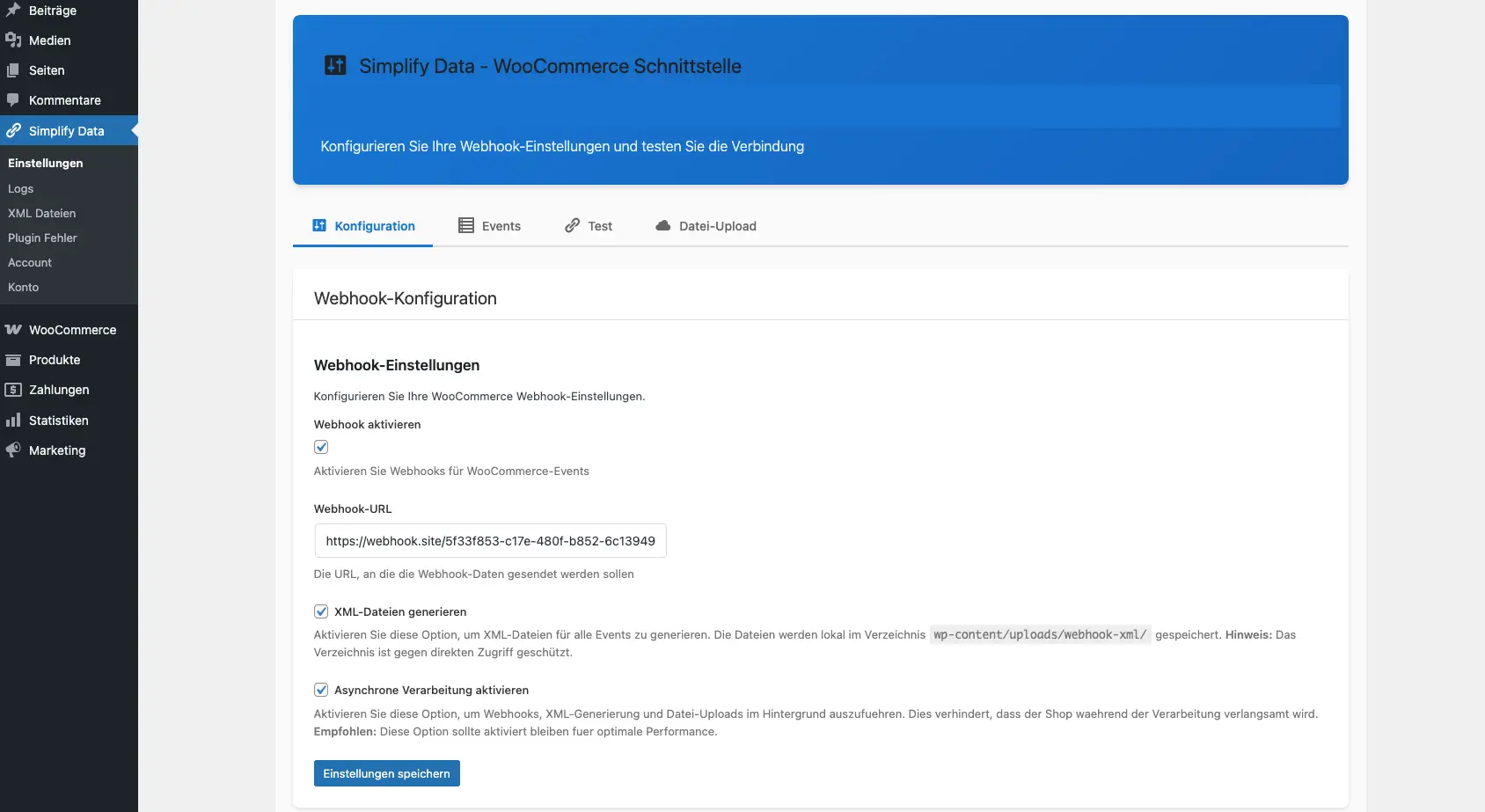
Settings & Configuration
Clear configuration page with all important settings
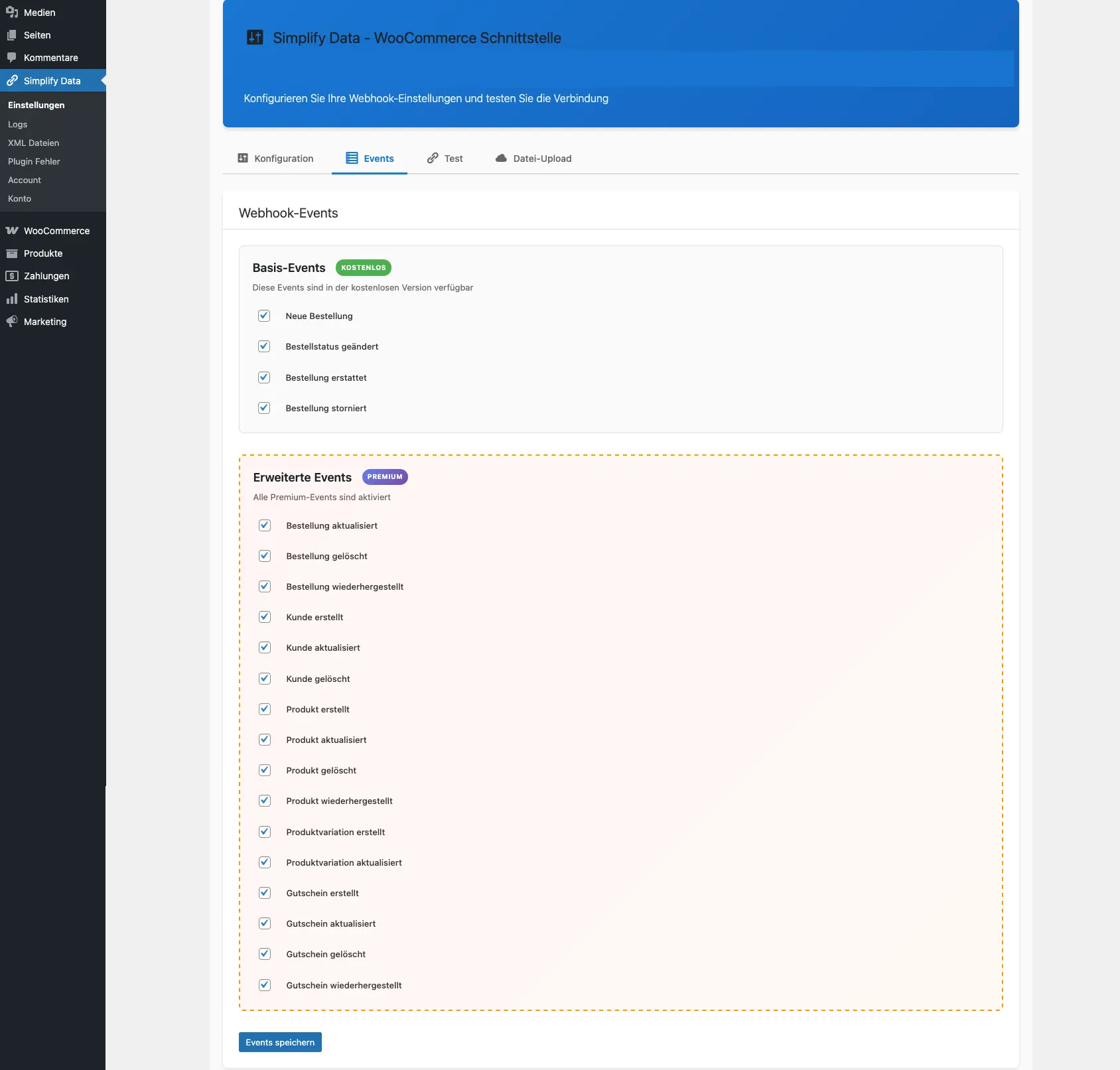
Event Configuration
Select which WooCommerce events should be captured
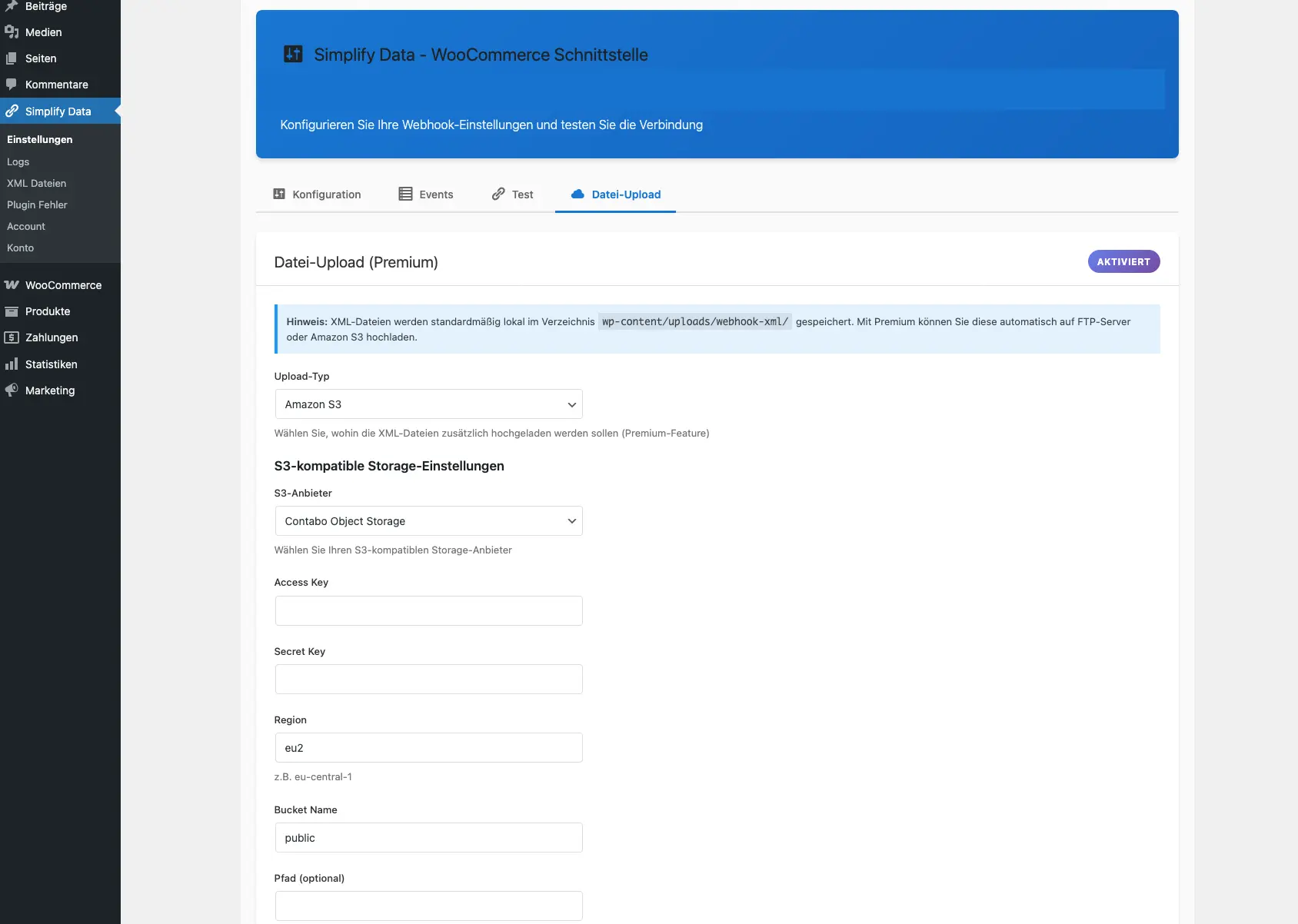
File Upload Configuration
Settings for FTP, S3 and other upload destinations
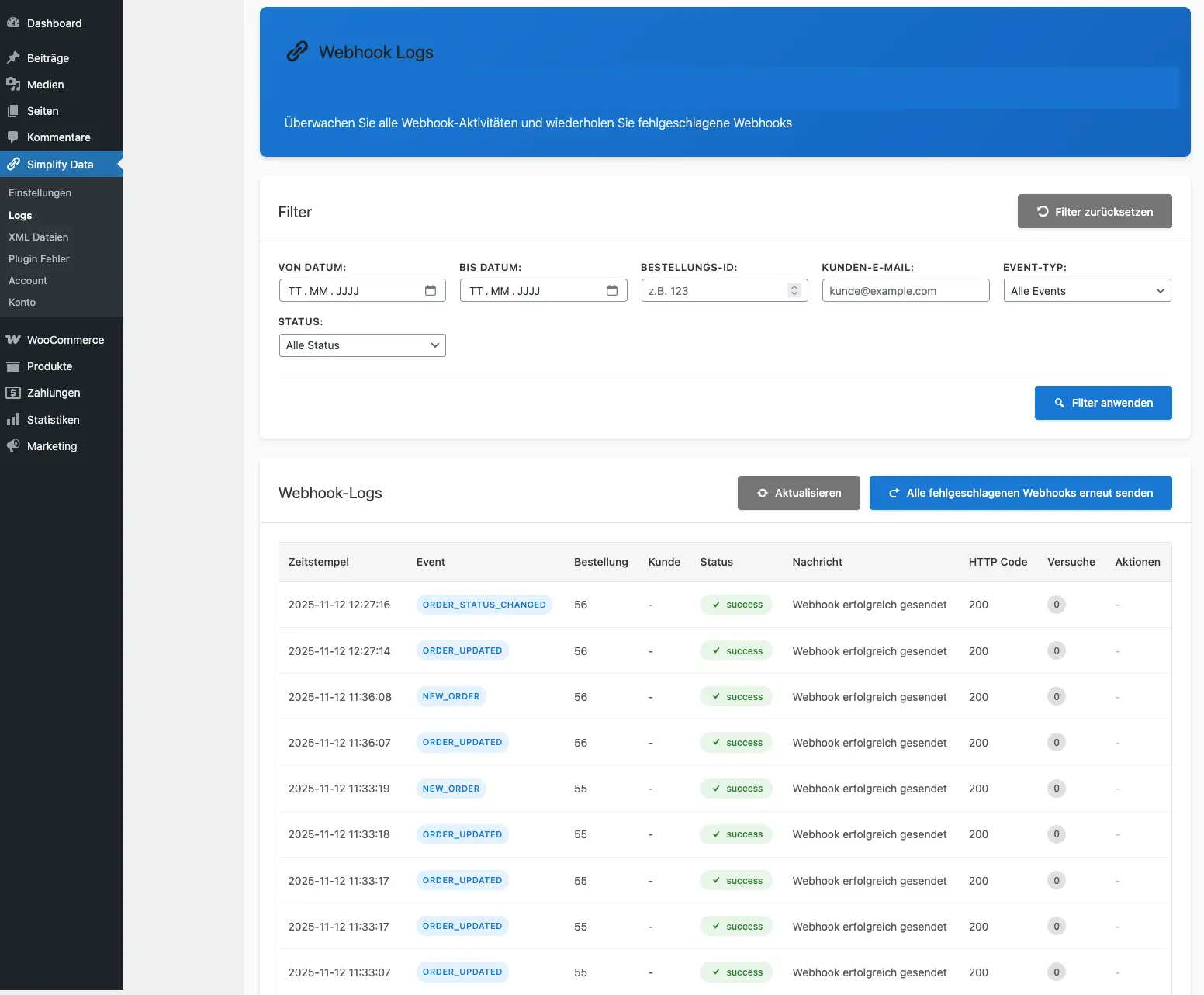
Webhook Logs
Overview of all sent webhooks with status and details
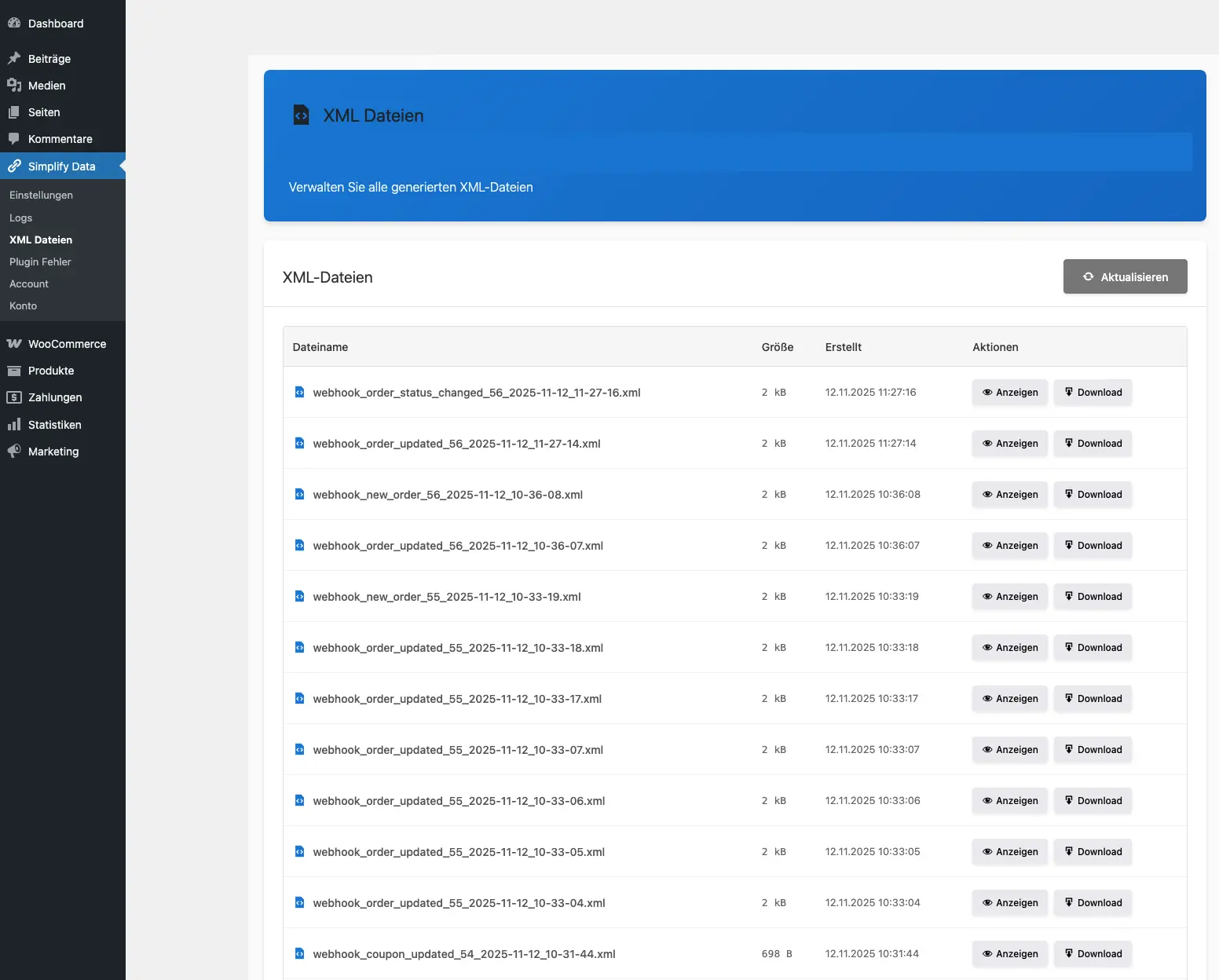
XML Files
Generated XML exports with structured data
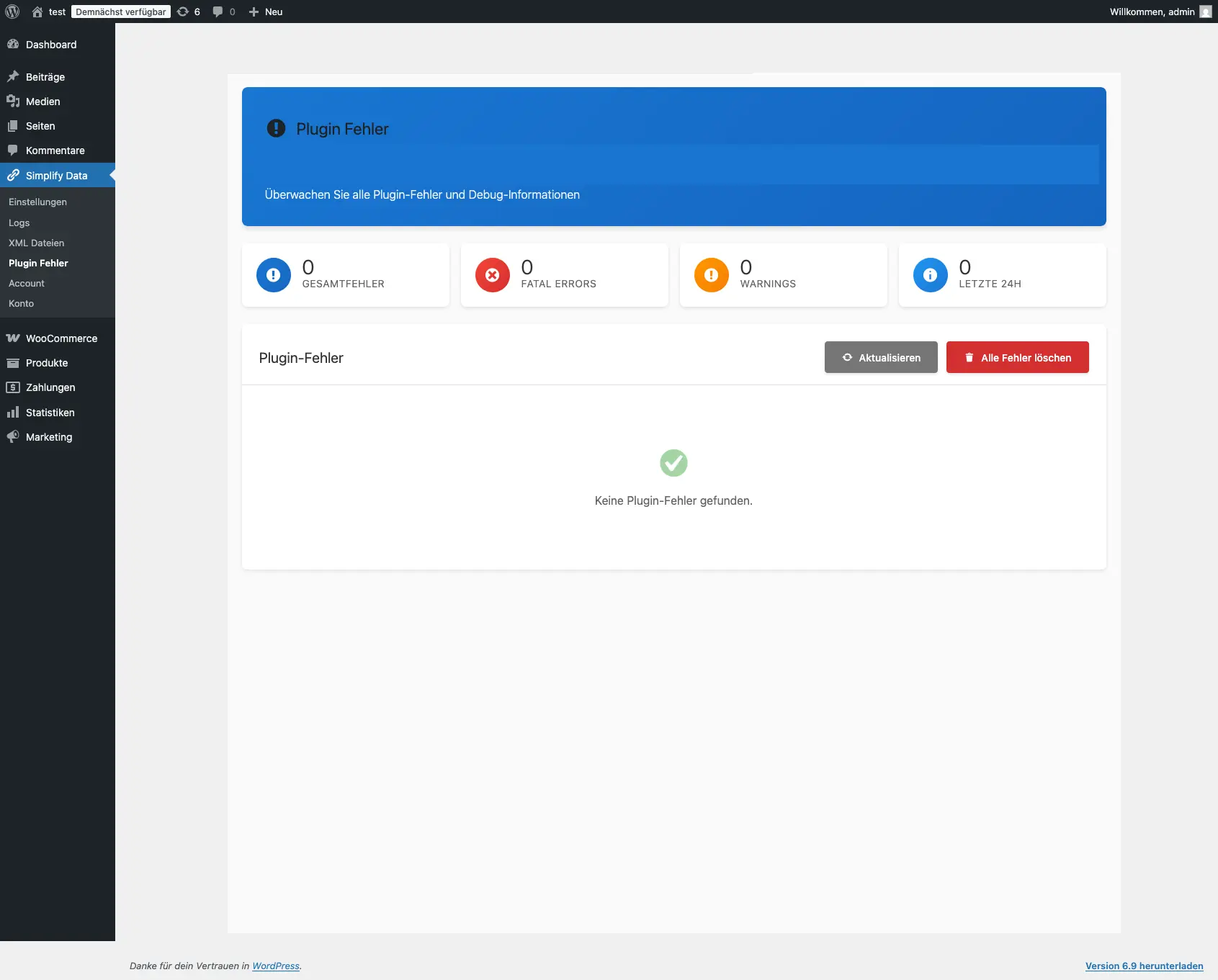
Error Handling
Detailed error page for easy troubleshooting
Prices
Overview of the prices of the WooCommerce Schnittstelle
Installation in every WordPress instance. Monthly cancellable.
Frequently asked questions
How does the WooCommerce Plugin work?+
The WooCommerce Plugin captures all events from your WooCommerce store and transfers them to your system.
How long does the installation take?+
The installation usually takes a few minutes.
How can I cancel the WooCommerce Plugin?+
You can cancel the WooCommerce Plugin at any time. The cancellation is done online via your customer account.
How secure is the data transfer?+
All data transfers are encrypted (HTTPS/TLS). The data processing is GDPR-compliant.
Are there limits for the number of events?+
No, there are no limits. The plugin can process and transfer unlimited events.
How fast is the synchronization?+
With Webhook integration, the transfer is done in real time. With file exports, the file is automatically created and transferred to your system (FTP, S3, etc.).
Start now
Take the opportunity to lead in your industry by using the advantages of the digital revolution through customised WordPress solutions.